Expiry dates you can see coming
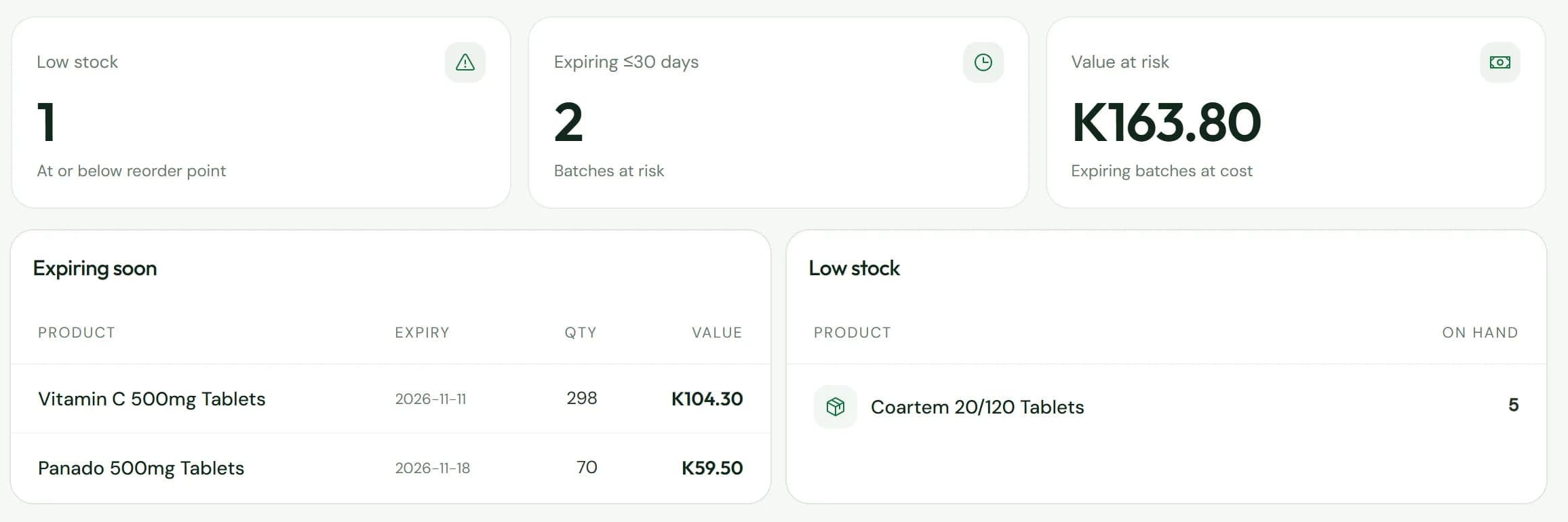
Every batch carries its expiry date. The till sells the one that expires first, refuses expired stock, and the report shows what is at risk in kwacha.
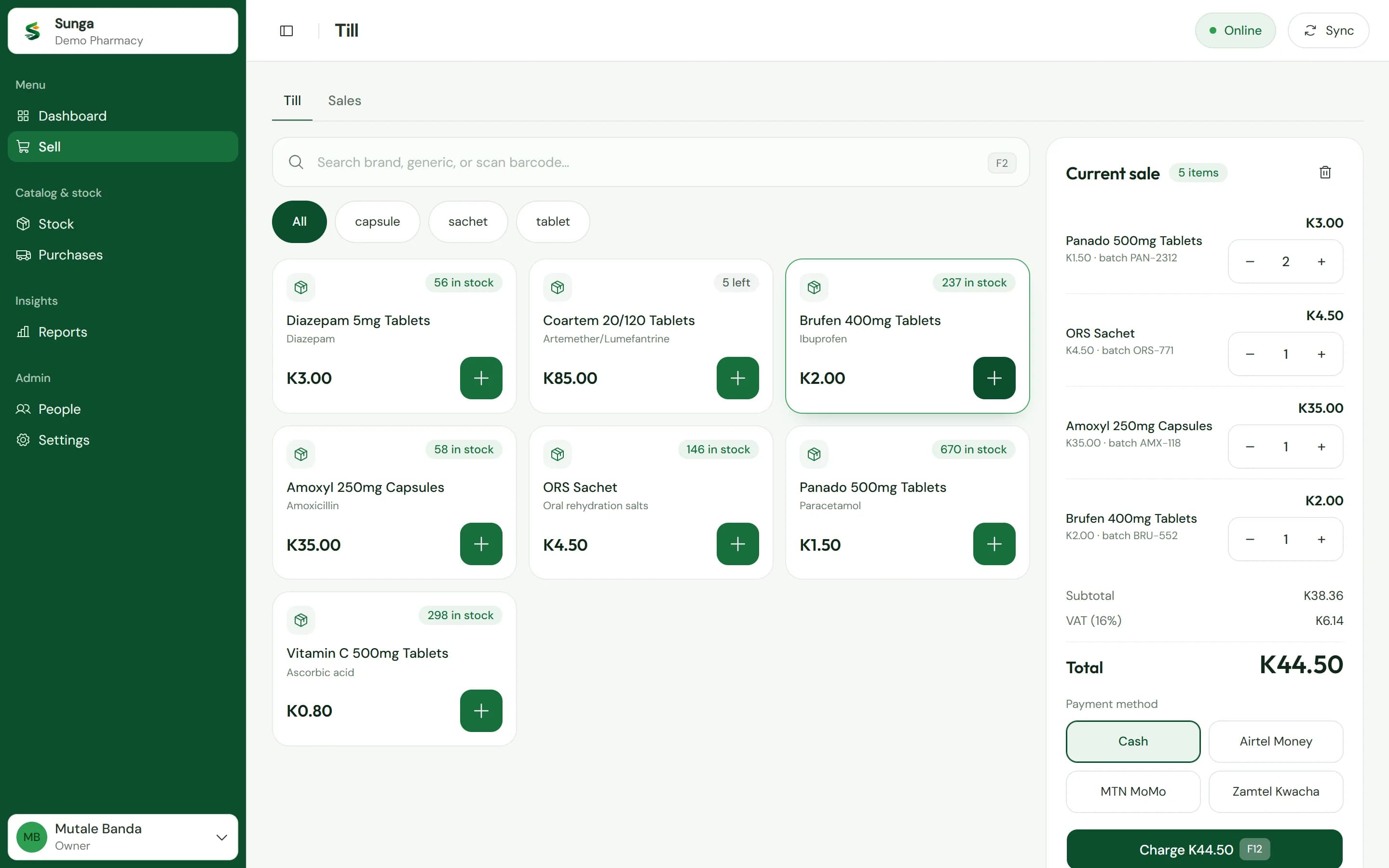
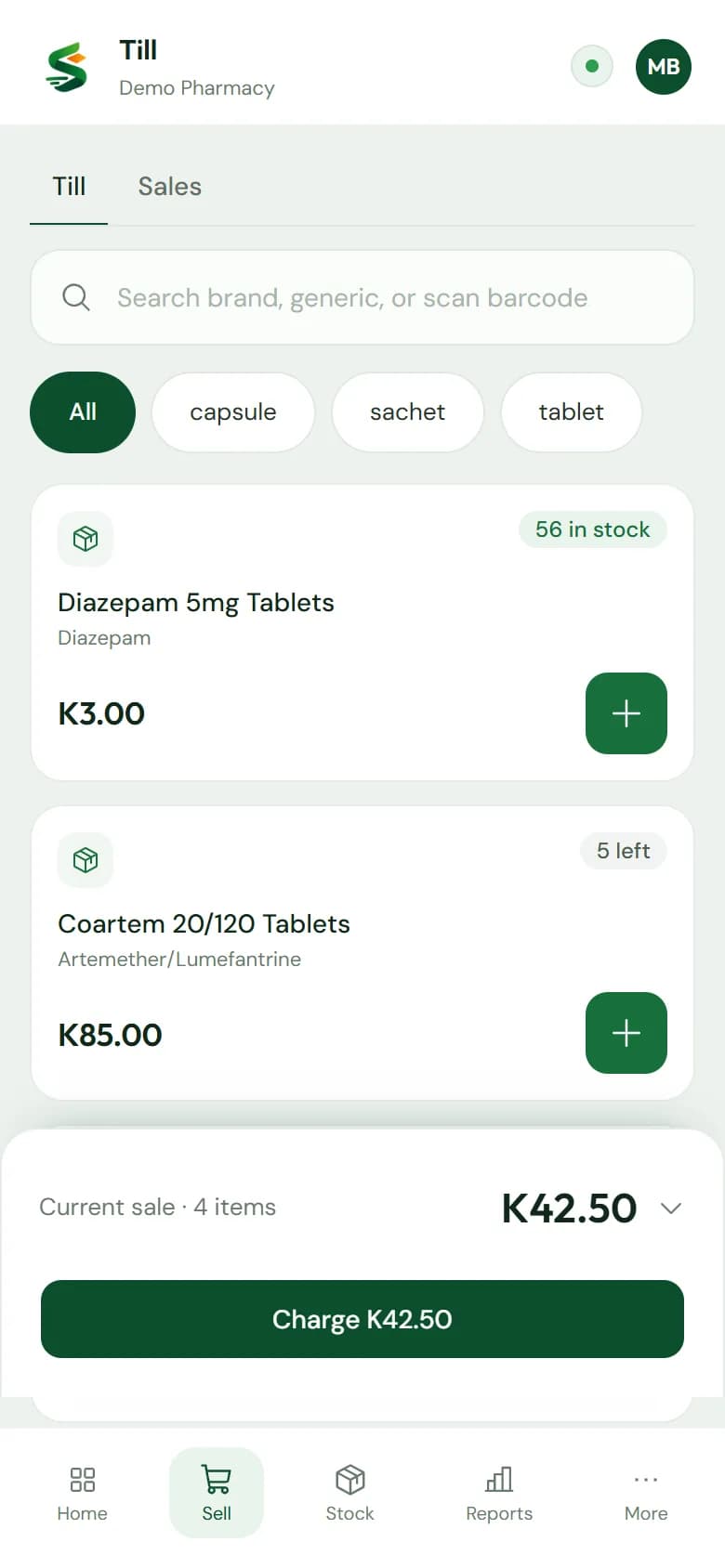
Sell, count stock and track every expiry date on the phone or laptop you already have, even through load shedding.
Works with what your counter already has
Sunga keeps the same record as your book, sale by sale. Then it answers the questions a book never could.
Every batch carries its expiry date. The till sells the one that expires first, refuses expired stock, and the report shows what is at risk in kwacha.
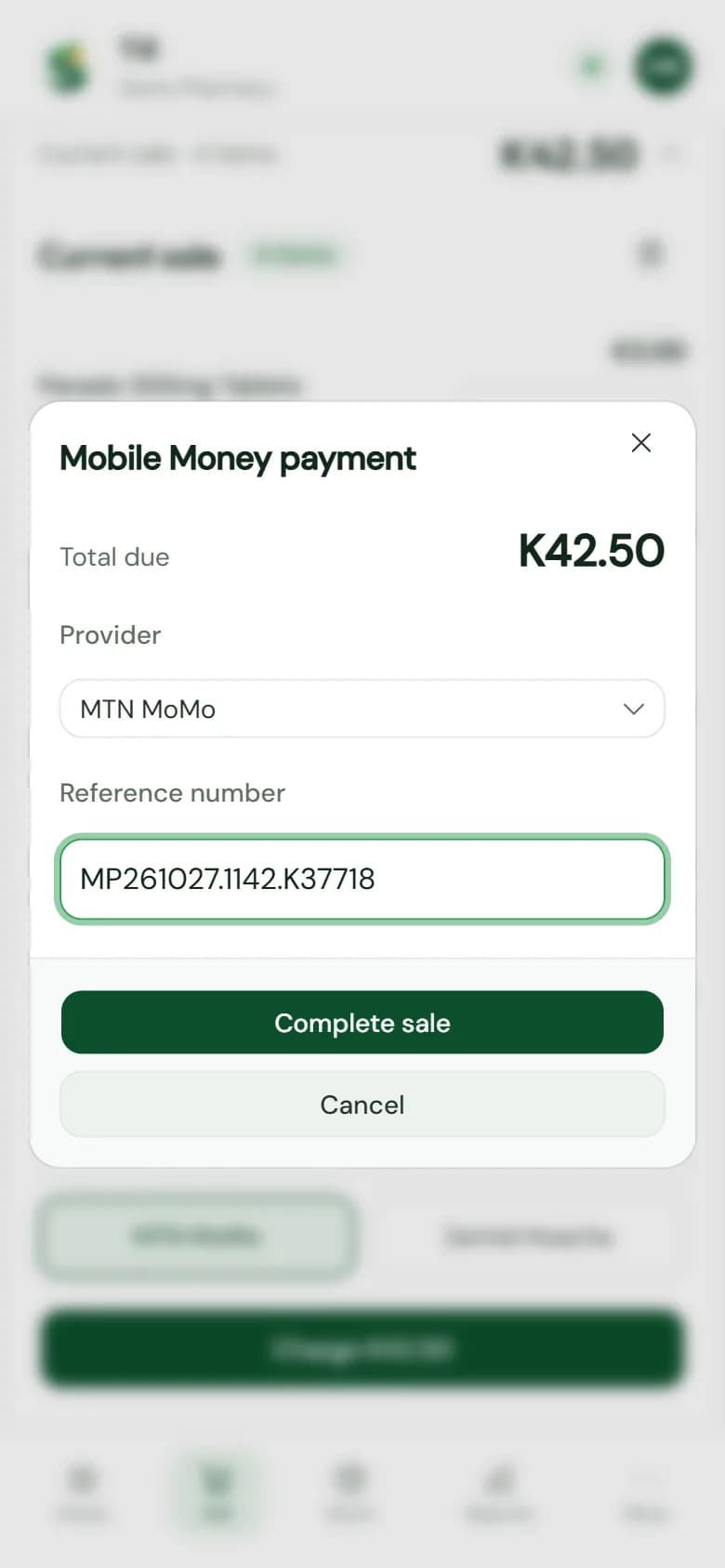
Change worked out for cash. For Airtel Money, MTN MoMo and Zamtel Kwacha, the customer's reference stays on the sale.
The end-of-day report splits takings by payment method, ready to check against the cash drawer and the mobile money statements.
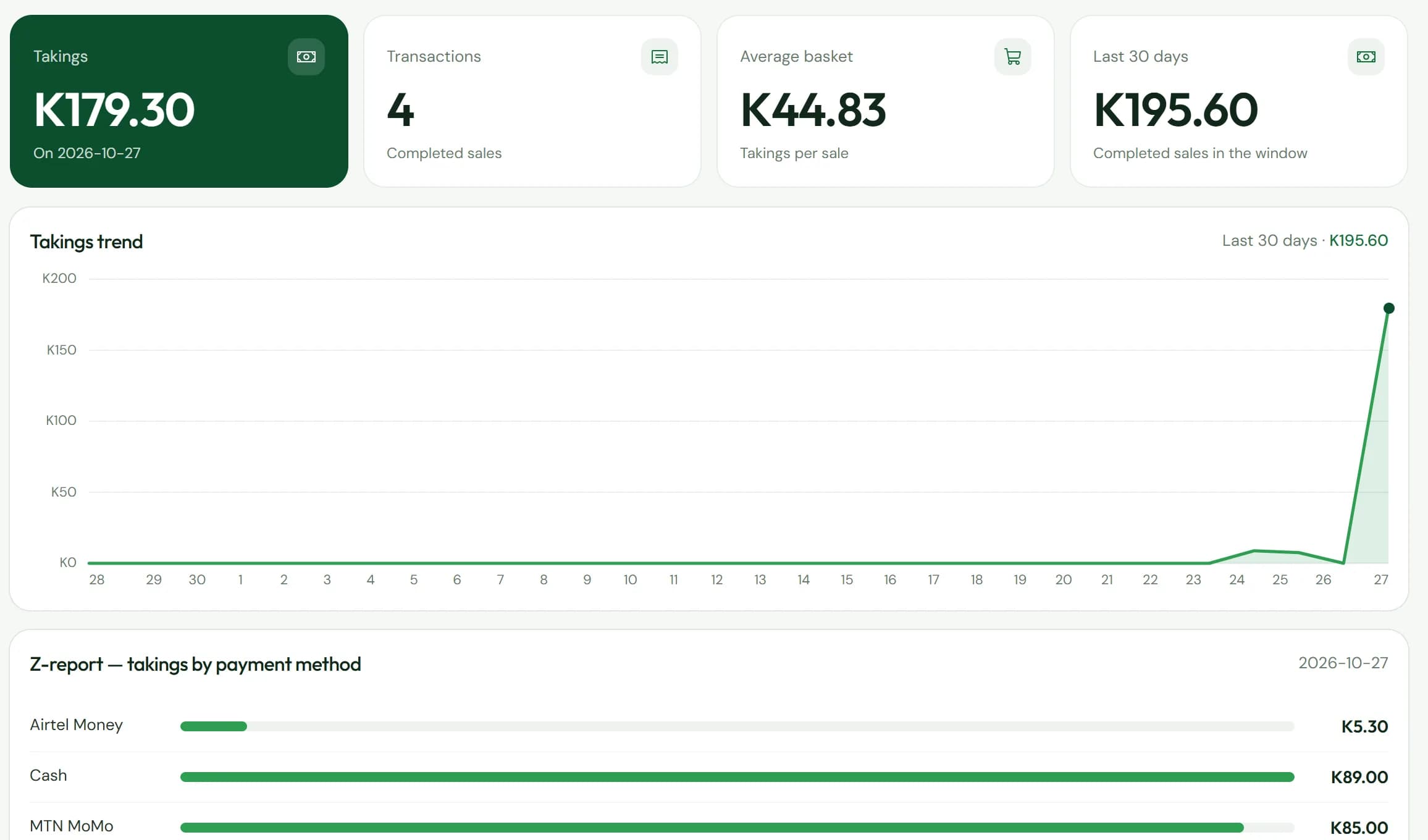
Deliveries, sales, write-offs and corrections all go through one stock ledger, so every number on the shelf has a history.
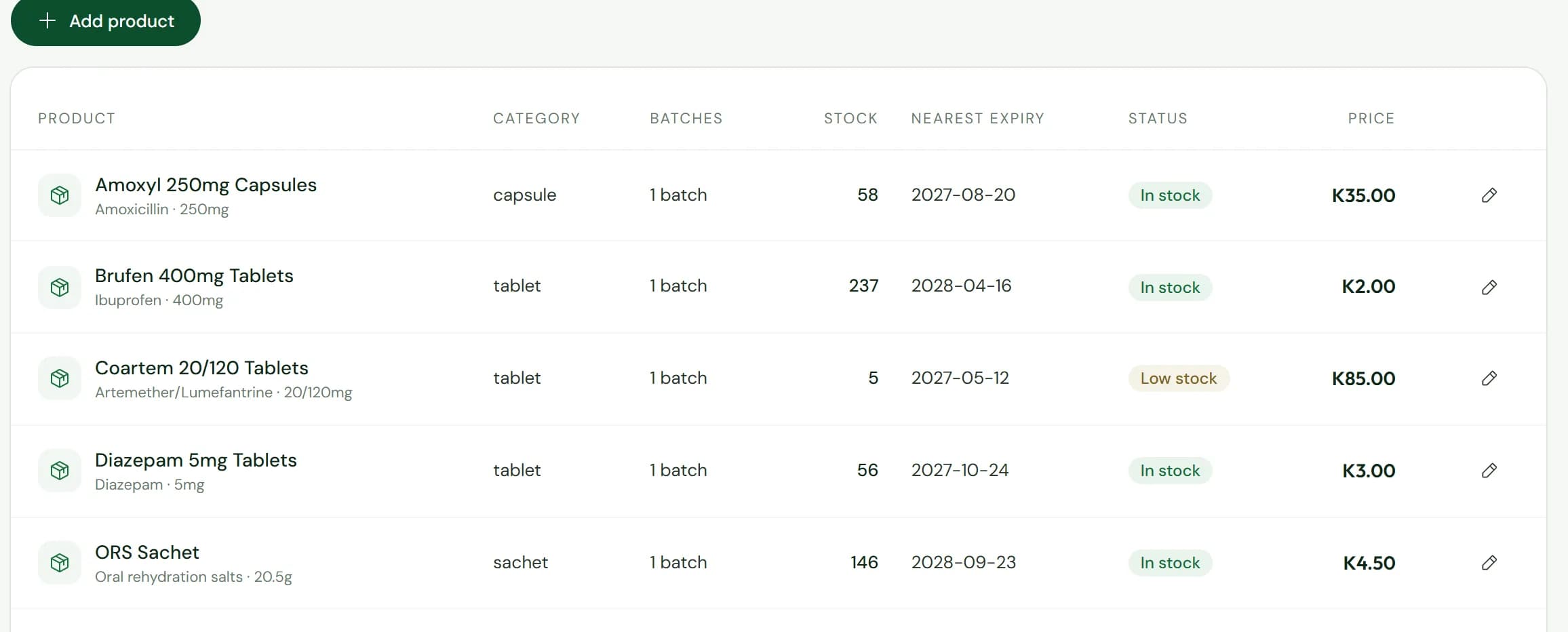
Sunga is built for the power cuts a Zambian counter lives with. Selling never waits on the network.
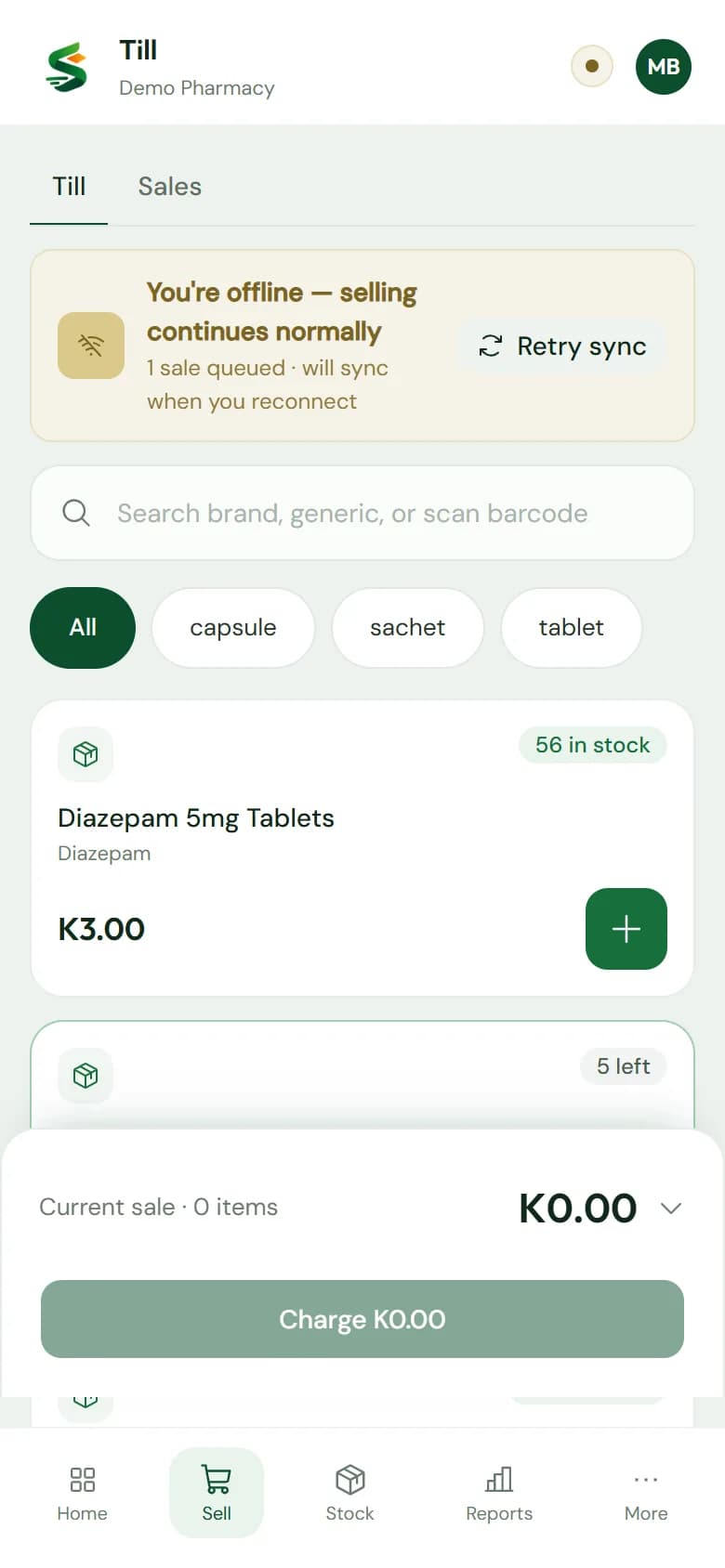
The router drops and the till carries on. The catalogue and the stock are already on the phone.
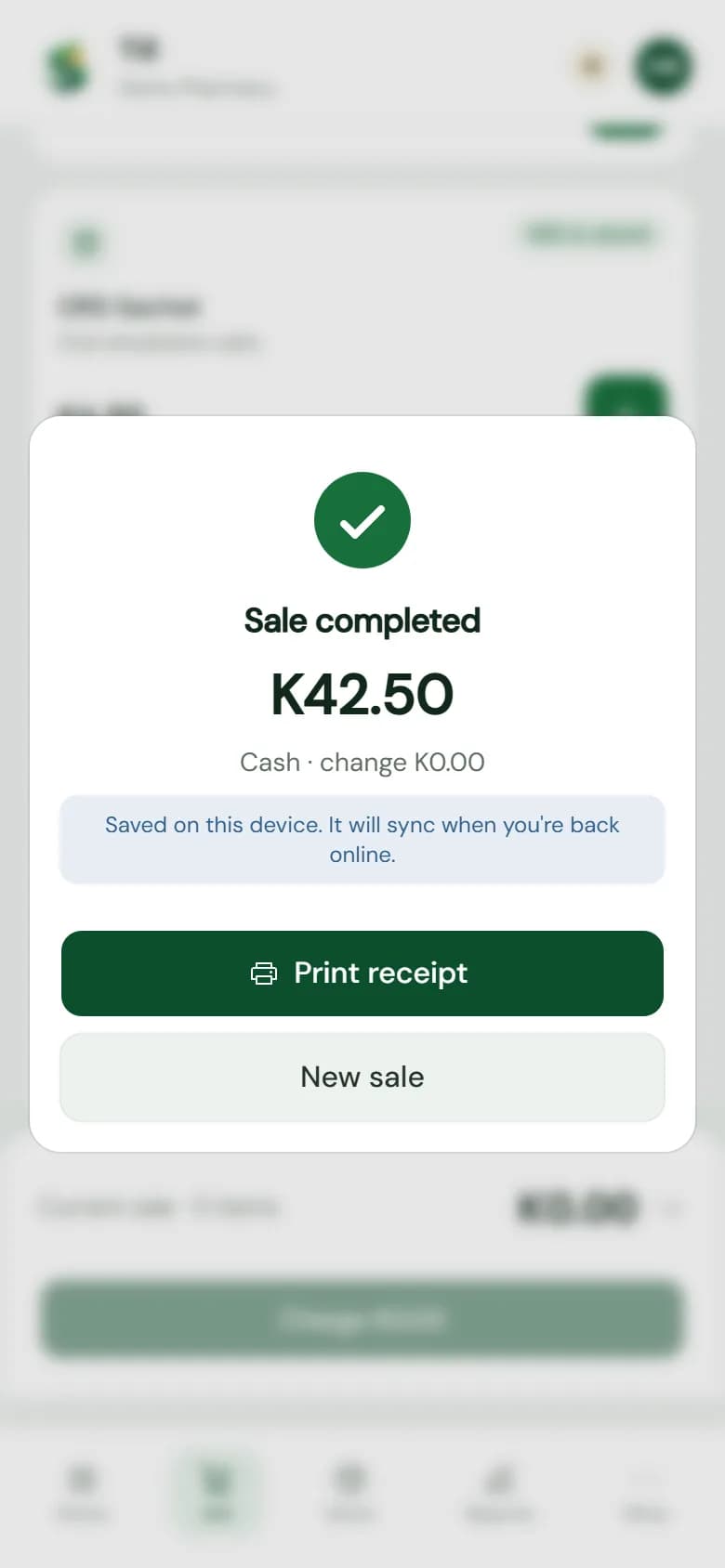
Charge works as it always does. The sale is saved on the device before anything else, so it can't be lost.
Queued sales go to the server in the order they were rung up, each exactly once, and the numbers catch up.
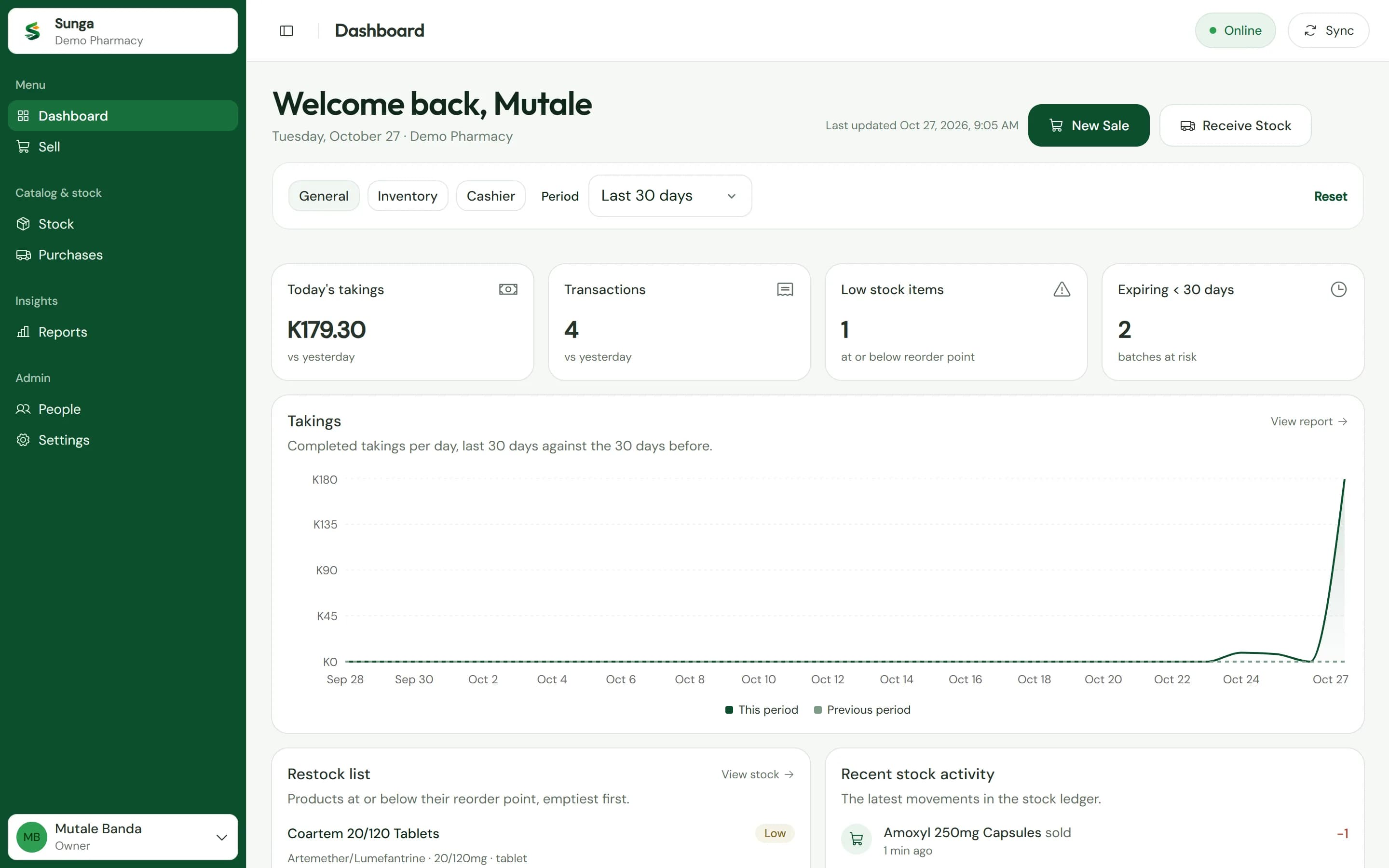
No special till to buy. Staff sell on a phone or laptop at the counter, and the owner opens the same account at home to see the day's takings and what needs ordering.
An Android phone
With Chrome. Add Sunga to the home screen like an app.
A Windows laptop
With Chrome or Edge, and a barcode scanner if you have one.
An iPhone
Works too, and prints through the browser.
A receipt printer, if you like
Any 58 mm Bluetooth thermal printer, or none at all.
Pilot pharmacies get us at the counter, not a manual. A monthly price is agreed before the pilot ends, and you only carry on if Sunga has earned it.
Day 1
Your account, a login for each person, your shop details and VAT, and your receipt printer if you have one.
Days 1 and 2
From your spreadsheet, or counted shelf by shelf with us. Every batch with its expiry date and cost.
Day 2
About an hour at the counter at a quiet time: sales, refunds, deliveries, the day's report, and power cuts.
Weeks 1 and 2
Keep the book for two weeks and compare each evening. We visit weekly, and you decide at the end whether to carry on.
Not connected yet. Connecting Sunga to Smart Invoice is next on our list, and we will tell you exactly where it stands before you start.
Mark a product's schedule and only the staff you allow can sell it. A sale by anyone else is flagged for the owner.
Set your rate and whether prices include VAT. Products can be standard-rated, zero-rated or exempt.
Sales are anonymous by design: no customer names, no phone numbers and nothing about what a medicine is for.
Something else? Ask us on WhatsApp
Yes, for selling. The till keeps your catalogue and stock on the device and saves every sale there first, then sends them when the connection returns. The first sign-in on a new device needs a connection, and so do receiving stock, reports and settings.
Tell us your pharmacy's name on WhatsApp and we will come and show you the till at your own counter.
Already on Sunga? Sign in to your till